DIY Drone Electronics Failure Analysis: Common Issues and Troubleshooting Tips
Category : |
Sub Category : Posted on 2023-10-30 21:24:53
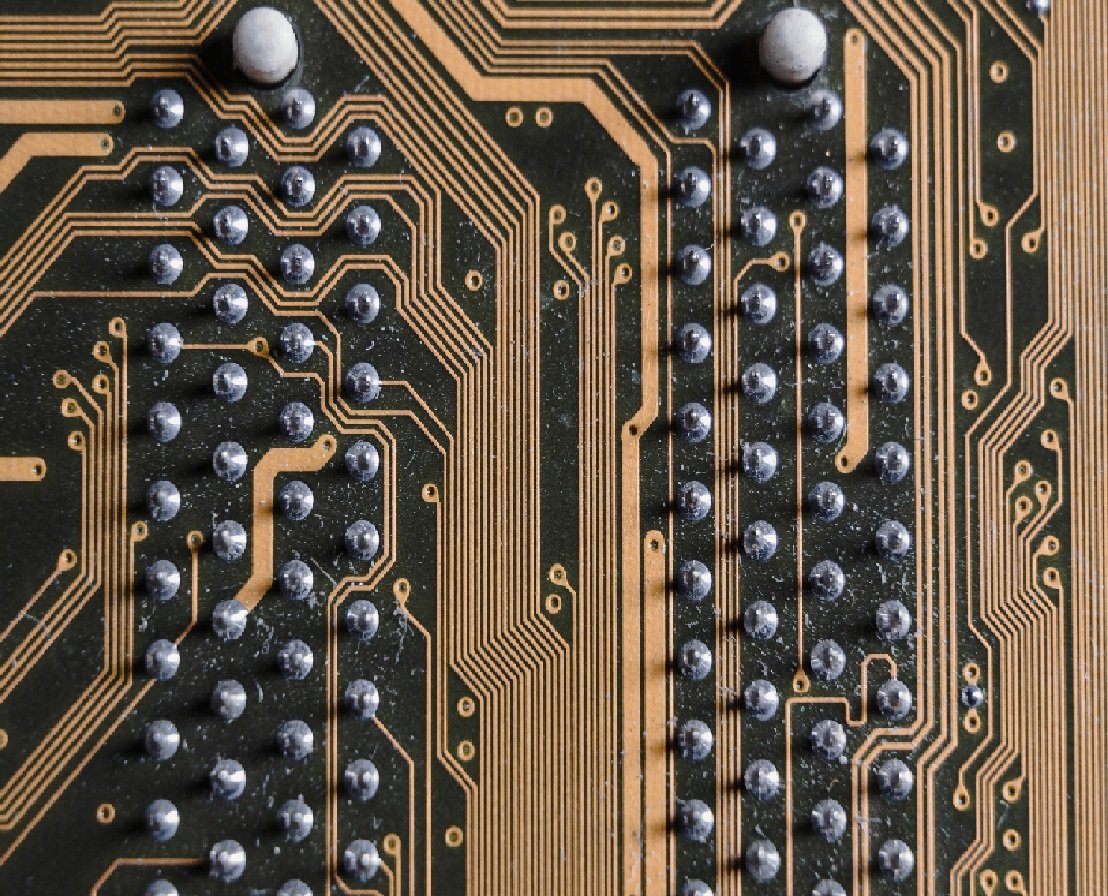
Introduction: Building a DIY drone can be an exciting and rewarding project for enthusiasts. However, encountering electronics failures during the assembly or operation stages can be frustrating and discouraging. In this article, we will explore some common issues that DIY drone builders may face when it comes to electronics failures and provide troubleshooting tips to help you overcome these challenges. 1. Power Supply Problems: One of the most common causes of electronics failures in DIY drones is power supply issues. Insufficient power or improperly connected batteries can lead to a variety of problems. To troubleshoot this, check the voltage levels of your batteries, ensure proper connections, and use power regulators to stabilize the voltage. 2. Incorrect Wiring: Incorrect wiring can result in short circuits and components not functioning properly. Double-check your wiring connections against the drone's schematic and make sure there are no loose connections or wires touching each other. Additionally, ensure that you have used proper insulation for all exposed wires. 3. Motor and ESC Problems: Motor and Electronic Speed Controller (ESC) failures can hamper the performance of your DIY drone. If you experience erratic motor behavior or motor failure, check the motor connections, ESC programming, and ensure the propellers are correctly balanced. Replacing damaged or burnt-out motors and ESCs may also be necessary. 4. Flight Controller Malfunctions: The flight controller is the brain of your drone, and any malfunctions can render it uncontrollable. Debugging flight controller issues involves checking the firmware, ensuring correct sensor calibration, and verifying that all connections are secure. It may also be helpful to recalibrate the flight controller and perform a manual trim for improved stability. 5. Radio Link Interference: Interference with the radio link between the transmitter and receiver can cause signal loss or erratic behavior. Troubleshoot radio link issues by checking for obstructions, switching to a different frequency or channel, and avoiding areas with high electromagnetic interference. Additionally, proper antenna positioning and range testing can help improve signal reliability. 6. Overheating: Excessive heat can damage electronic components, leading to failures. Adequate cooling mechanisms, such as heat sinks or fans, should be implemented to prevent overheating. Distribute components evenly on the drone's frame to allow for efficient airflow and consider using thermal adhesive to enhance heat dissipation. 7. Software and Firmware Issues: Software and firmware bugs can lead to unpredictable behavior and crashes. Keep your software and firmware up to date and closely follow the guidelines provided by the drone manufacturer or open-source community. If you encounter software-related issues, try reinstalling or updating the firmware, or seeking assistance from the drone's forum or community. Conclusion: While encountering electronics failures during the DIY drone building process can be frustrating, it is an excellent opportunity to enhance your troubleshooting skills. By following the tips and techniques mentioned in this article, you'll be better equipped to identify and overcome common electronics failures. Remember to approach each issue systematically, double-check your connections, and seek help from online communities if needed. Happy drone building and troubleshooting! also for more http://www.s6s.org


