A Beginner's Guide to DIY Drone Printed Circuit Boards
Category : |
Sub Category : Posted on 2023-10-30 21:24:53
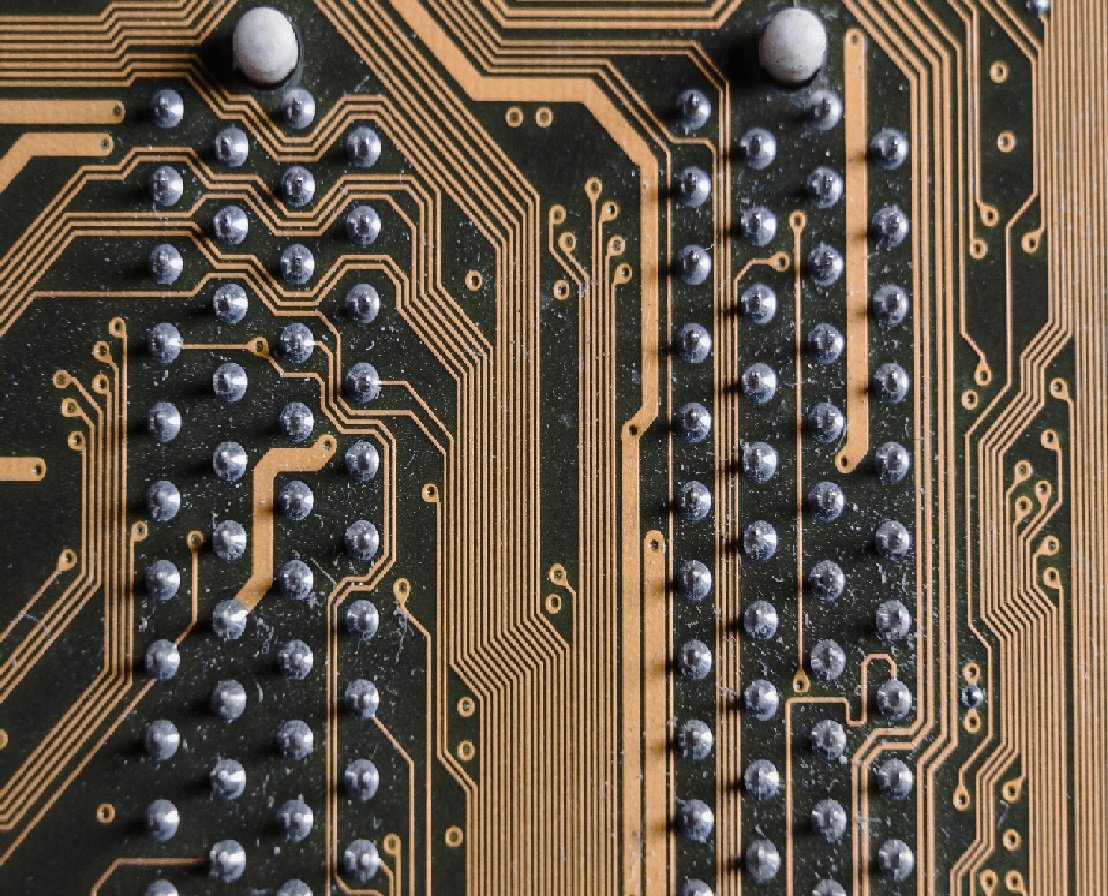
Introduction: Drones have become increasingly popular in recent years, offering exciting opportunities for aerial photography, videography, and even racing. While many drone enthusiasts choose to purchase ready-made drones, there is a growing community of DIY enthusiasts who prefer to build their drones from scratch. If you are one of these enthusiasts, this guide will walk you through the process of creating your DIY drone using printed circuit boards (PCBs). What is a PCB and why use it in DIY drones? A printed circuit board (PCB) is a flat board made of non-conductive material (typically fiberglass) with thin layers of copper conductive material etched onto its surface. These copper traces serve as pathways for electronic components to be soldered onto the board. By using a PCB in your DIY drone, you can easily connect and organize all the necessary electronic components, making the build process more efficient and reliable. Designing your DIY drone PCB: 1. Research and Planning: Start by researching the components you will need for your drone, such as flight controller, motors, ESCs, receiver, and battery. Once you have a clear understanding of the components, you can start designing your PCB layout. 2. Software Selection: Choose a PCB design software that suits your skill level and budget. Some popular options include Eagle, KiCad, and Altium Designer. These software tools allow you to create the schematic and layout for your drone's PCB. 3. Schematic Design: Begin by creating the schematic diagram, which represents the connectivity and functionality of your drone's electronic components. Make sure to properly connect all the components and add any necessary external connections. 4. PCB Layout Design: Once you have the schematic, start designing the physical layout of your PCB. Carefully place the components in their appropriate locations, considering factors such as component orientation, size, and signal integrity. Manufacturing and Assembly: 1. Manufacturing Options: After finalizing your PCB design, you have two main options for manufacturing: etching the PCB yourself or outsourcing the manufacturing to a professional PCB manufacturer. Etching at home requires some specialized equipment and skills, while outsourcing ensures higher quality and precision. 2. PCB Assembly: Once you have your manufactured PCB, you can start assembling the components onto the board. Take caution to follow proper soldering techniques and guidelines to ensure a good electrical connection. Testing and Troubleshooting: After assembling your PCB, it's crucial to thoroughly test your DIY drone before taking it for a flight. Make sure all the components are properly working, verify the connections, and check for any short circuits or loose connections. Troubleshoot and fix any issues that arise during testing. Conclusion: Building your DIY drone using printed circuit boards can be a rewarding experience that allows you to customize and optimize your aircraft. Utilizing PCBs simplifies the wiring process, making it easier for beginners to assemble a reliable drone. By following the design, manufacturing, and testing steps outlined in this guide, you can create a DIY drone that meets your specific needs and takes your drone-building skills to new heights! For a different take on this issue, see http://www.s6s.org


