A Beginner's Guide to DIY Home Electronics Schematic Design
Category : |
Sub Category : Posted on 2023-10-30 21:24:53
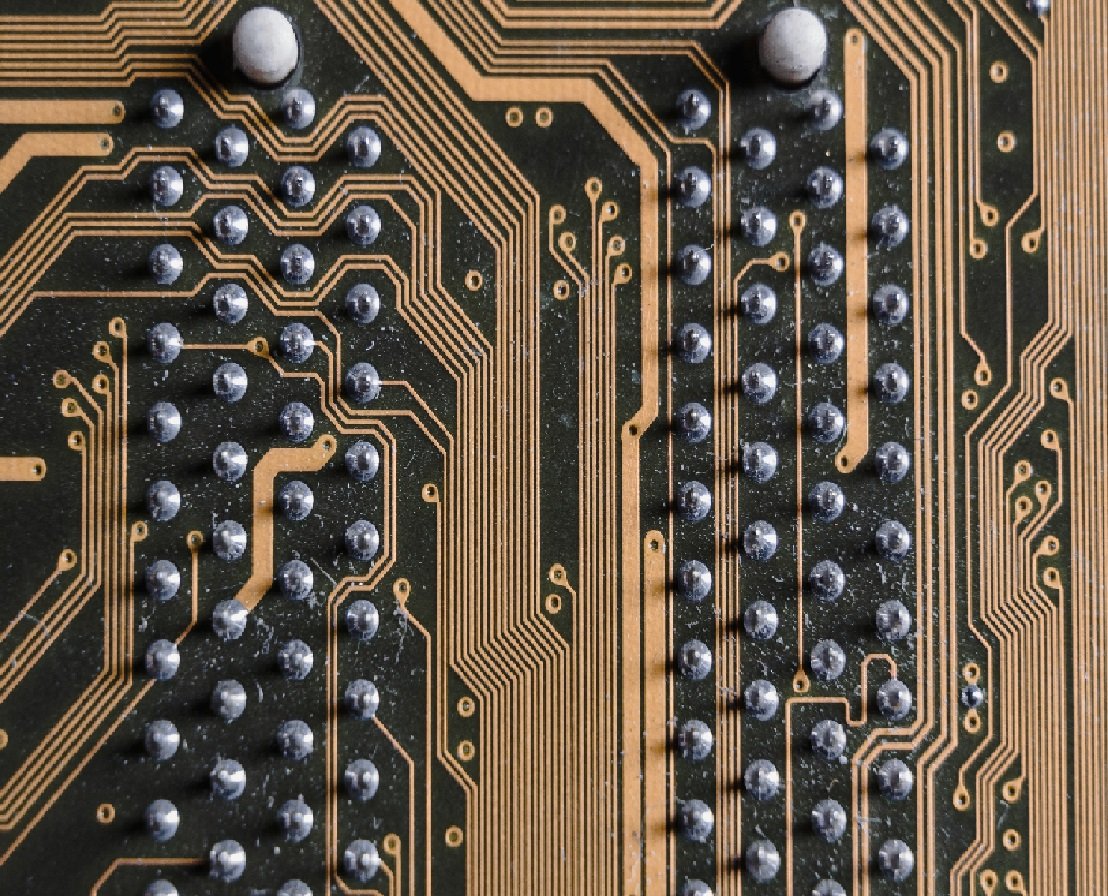
Introduction: Are you interested in designing your own home electronics projects? Schematic design is a crucial step in the process, as it defines the circuit's layout and components, enabling you to bring your ideas to life. In this blog post, we'll explore the basics of DIY home electronics schematic design and provide you with essential tips to get started on your projects. 1. Understand the Purpose of a Schematic Design: A schematic is a visual representation of an electronic circuit that shows how various components are interconnected. It maps out the flow of current, the relationship between different parts, and allows you to analyze the functionality of your circuit before implementation. Understanding the purpose and structure of a schematic is crucial for successful DIY home electronics projects. 2. Gather Necessary Tools and Materials: Before diving into schematic design, ensure you have the necessary tools and materials. A reliable electronics design software such as EAGLE, KiCad, or EasyEDA can simplify the process by providing a user-friendly interface and a vast library of components. Additionally, have a pen and paper handy to sketch out your initial ideas before transferring them to the digital realm. 3. Start with a Block Diagram: Begin your schematic design by creating a block diagram. This high-level overview illustrates the main functional blocks of your circuit and their interconnections. It helps you conceptualize your project and ensures that all essential components are included before delving into the detailed design. 4. Break Down the Circuit into Functional Blocks: Next, break down your circuit into smaller functional blocks. Each block should represent a specific task of your project, such as power supply, microcontroller, sensors, or communication modules. By dividing your circuit into manageable units, it becomes easier to design and troubleshoot each section independently. 5. Choose the Right Components: Selecting the appropriate components is crucial for the success of your DIY home electronics project. Consider factors such as voltage ratings, current limitations, package sizes, and compatibility with the rest of the circuit. Make sure to consult datasheets, online resources, and forums to find the best components that meet your requirements. 6. Connect the Blocks: Once you have chosen the components, it's time to connect the blocks in your schematic design. Pay attention to the flow of current and the direction of signals to ensure proper functionality. Take advantage of different symbols, such as resistors, capacitors, transistors, and integrated circuits, to represent components accurately. 7. Label and Document your Design: To ensure clarity and ease of future modifications, properly label and document your schematic design. Include component values, reference designators, pin numbers, and any additional notes that may be helpful for understanding your design. This documentation will come in handy when transitioning from the schematic to the PCB layout stage. 8. Validate and Iterate: Before finalizing your schematic design, validate your circuit by simulating it using circuit simulation software. This step allows you to identify potential issues, test your circuit's functionality, and make necessary revisions. Iterate on your design as needed until you are confident in its performance. Conclusion: DIY home electronics schematic design is an exciting and rewarding process. By understanding the basics, gathering the necessary tools, and following a systematic approach, you can successfully design circuits for a wide range of projects. Remember to pay attention to component selection, connect blocks accurately, and document your design effectively. With practice, you'll enhance your skills and bring your inventive ideas to life in no time. Happy designing! Explore expert opinions in http://www.svop.org For an extensive perspective, read http://www.mimidate.com


