DIY Home Electronics Thermal Management: Keeping Your Devices Cool
Category : |
Sub Category : Posted on 2023-10-30 21:24:53
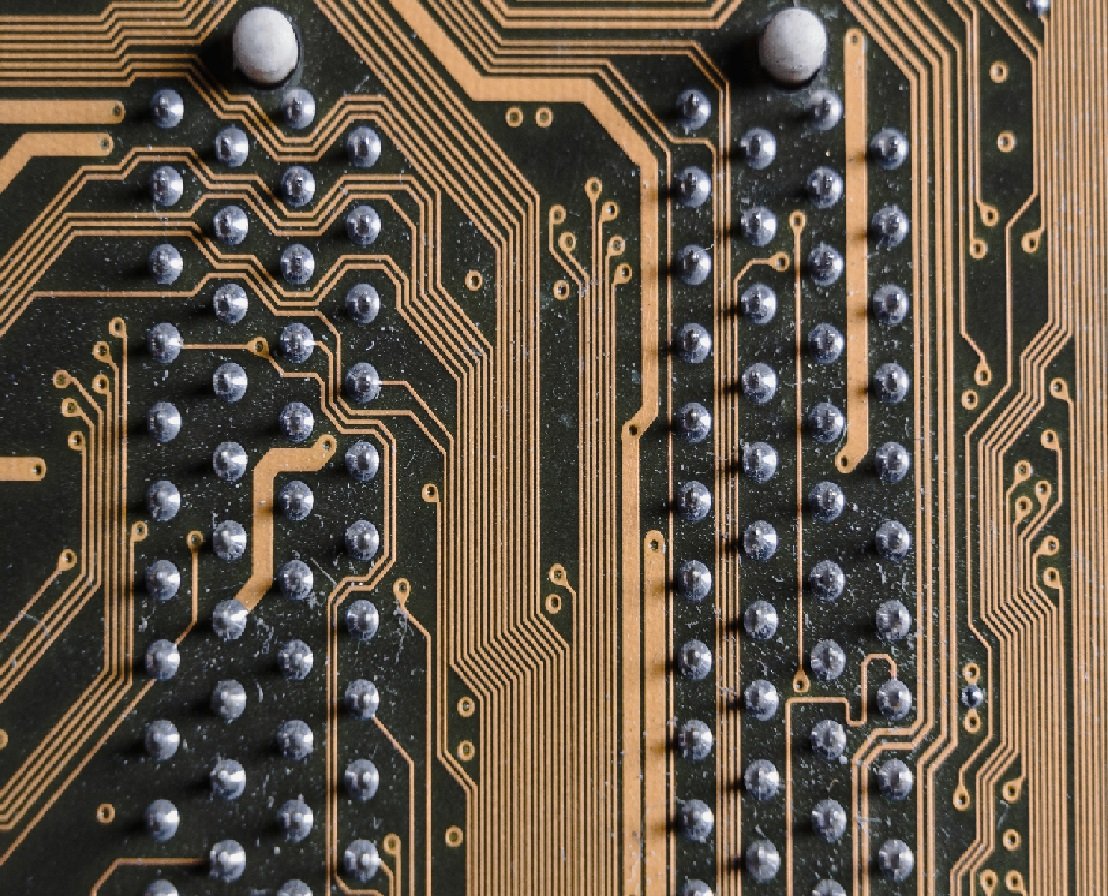
Introduction: In today's tech-savvy world, our homes are filled with a multitude of electronic devices that require efficient thermal management to ensure their optimal performance. From smartphones and computers to gaming consoles and home theater systems, proper heat dissipation is crucial for extending the lifespan and preventing damage to our beloved gadgets. In this blog post, we will explore some DIY thermal management techniques that you can employ to keep your home electronics cool and running smoothly. 1. Understand the Importance of Thermal Management: Before diving into the DIY solutions, let's briefly discuss why thermal management is crucial for your electronic devices. Overheating can lead to increased power consumption, reduced performance, and even permanent damage. By implementing adequate cooling techniques, you can ensure that your devices operate at their best, improving longevity and preventing costly repairs. 2. Good Ventilation: Proper ventilation is essential for dissipating heat effectively. Ensure that the vents of your devices are not obstructed by dust, cables, or other objects. Consider placing your devices in well-ventilated areas or using cooling pads with built-in fans for laptops. Additionally, keeping the surrounding environment clean and dust-free can significantly contribute to heat dissipation. 3. Organize Cables and Wires: Many of us have experienced the tangled mess of cables behind our TVs or computer setups. Not only does this look unsightly, but it can also cause heat buildup. Consider using cable management solutions such as zip ties, cable sleeves, or cable management boxes to keep your cables organized and optimize airflow, reducing the heat generated by the entangled wires. 4. Improve Air Circulation: Strategically positioning your devices can greatly improve airflow and aid in temperature regulation. For example, placing a small fan near your electronics can help create a cooling breeze. Alternatively, you can use cooling pads or stands with built-in fans to increase the airflow around laptops or gaming consoles. 5. DIY Cooling Solutions: If you're feeling adventurous, here are a few DIY cooling solutions you can try: - Laptop Cooling Stand: Elevating your laptop with a DIY cooling stand made of wood or plastic can promote better airflow and keep your device cooler during heavy usage. - Heat Sink Modification: For powerful CPUs or graphics cards, upgrading or modifying the heat sink with better thermal paste or adding additional fans can significantly improve cooling efficiency. - Custom PC Case Fans: If you're comfortable working with electronics, adding extra case fans to your desktop computer can enhance airflow and prevent components from overheating. 6. Regular Maintenance: Lastly, regular maintenance is essential for keeping your devices cool. Cleaning the internal fans, fins, and filters of your electronics can remove dust accumulation and maintain optimal cooling performance. It's recommended to consult the manufacturer's guidelines for specific cleaning instructions. Conclusion: Efficient thermal management is crucial for the optimal performance and longevity of your home electronics. By implementing the DIY techniques mentioned in this article, you can effectively dissipate heat and prevent potential damage caused by overheating. Remember to prioritize proper ventilation, organize cables and wires, improve air circulation, and consider exploring DIY cooling solutions for your devices. With these simple yet effective steps, you can enjoy cool and reliable electronics for years to come. If you are enthusiast, check this out http://www.svop.org You can find more about this subject in http://www.mimidate.com


