Top 5 DIY PCB Design Software for Home Electronics Projects
Category : |
Sub Category : Posted on 2023-10-30 21:24:53
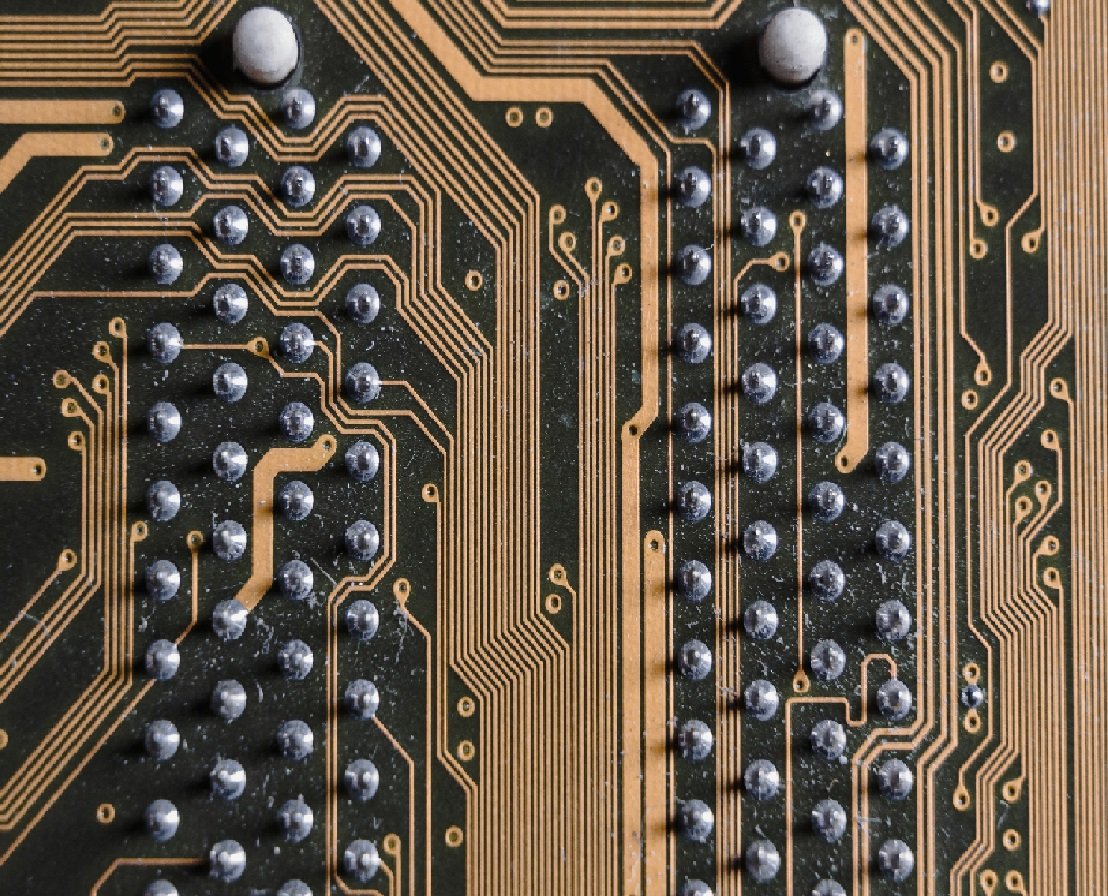
Introduction: PCB (Printed Circuit Board) design is an essential aspect of any electronic project, whether you are a hobbyist or a professional. In the past, designing PCBs required specialized skills and expensive equipment. However, with the rise of DIY culture and advancements in technology, there are now several user-friendly PCB design software options available for DIY enthusiasts who would like to create their own circuit boards at home. In this article, we will explore the top 5 DIY PCB design software that can take your home electronics projects to the next level. 1. EasyEDA: EasyEDA is an open-source PCB design software that offers a simple and intuitive interface for beginners. This cloud-based tool allows users to design PCBs, simulate circuits, and generate Gerber files for manufacturing. EasyEDA provides a vast component library, making it easy to find and integrate the necessary components into your design. It also features a collaborative platform, allowing users to share and collaborate on projects with ease. 2. KiCad: KiCad is a free and open-source PCB design software that offers a comprehensive suite of tools for designing electronic circuits. It has a robust and scalable design environment suitable for professionals as well as DIY enthusiasts. KiCad supports schematic capture, PCB layout design, and 3D visualization. It also provides an intuitive and interactive routing feature, making it easier to route traces on the PCB. Moreover, KiCad has an active online community where users can find tutorials, libraries, and share their projects. 3. Fritzing: Fritzing is a beginner-friendly PCB design software that focuses on creating circuit diagrams, developing prototypes, and learning electronics. It provides a simplified interface with drag-and-drop functionality, allowing users to build circuits by selecting and placing components from a wide range of libraries. Fritzing also offers a virtual breadboard feature, which lets users test their circuits before moving on to PCB design. Additionally, Fritzing enables the production of professional-looking schematic and PCB views. 4. Eagle: Eagle, now a part of Autodesk, is a widely-used PCB design software popular among hobbyists, makers, and professionals. It supports both schematic capture and PCB layout design, with a vast component library offering a wide range of options. Eagle provides a rich set of features, including autorouting, 3D visualization, and support for custom stencil creation. It also integrates seamlessly with other Autodesk tools, making it a versatile choice for DIY PCB design. 5. Altium Designer: While Altium Designer is a paid software, it is worth mentioning for its advanced capabilities and extensive feature set. Altium Designer offers a comprehensive suite of tools for schematic capture, PCB layout, signal integrity analysis, and manufacturing output. With its intuitive interface and powerful functionality, Altium Designer is ideal for professional-level electronics design and high-complexity PCB projects. It provides advanced routing algorithms, real-time collaboration features, and a vast component library to support a wide range of designs. Conclusion: Thanks to the availability of DIY PCB design software, enthusiasts can now design their circuit boards with ease, enabling them to bring their electronic projects to life. Whether you are a beginner or an experienced DIY enthusiast, the software options discussed in this article, such as EasyEDA, KiCad, Fritzing, Eagle, and Altium Designer, offer a range of features and functionality to meet your PCB design needs. So, get ready to unleash your creativity and start designing your own custom PCBs for your home electronics projects. visit: http://www.svop.org For a comprehensive review, explore http://www.mimidate.com


